

Set your note defaults
Who can do this: Anyone who can write clinical notes: Doctors, Hygienists, Back Office, Office Managers and Owners.
Available if your plan includes NixDent Notes.
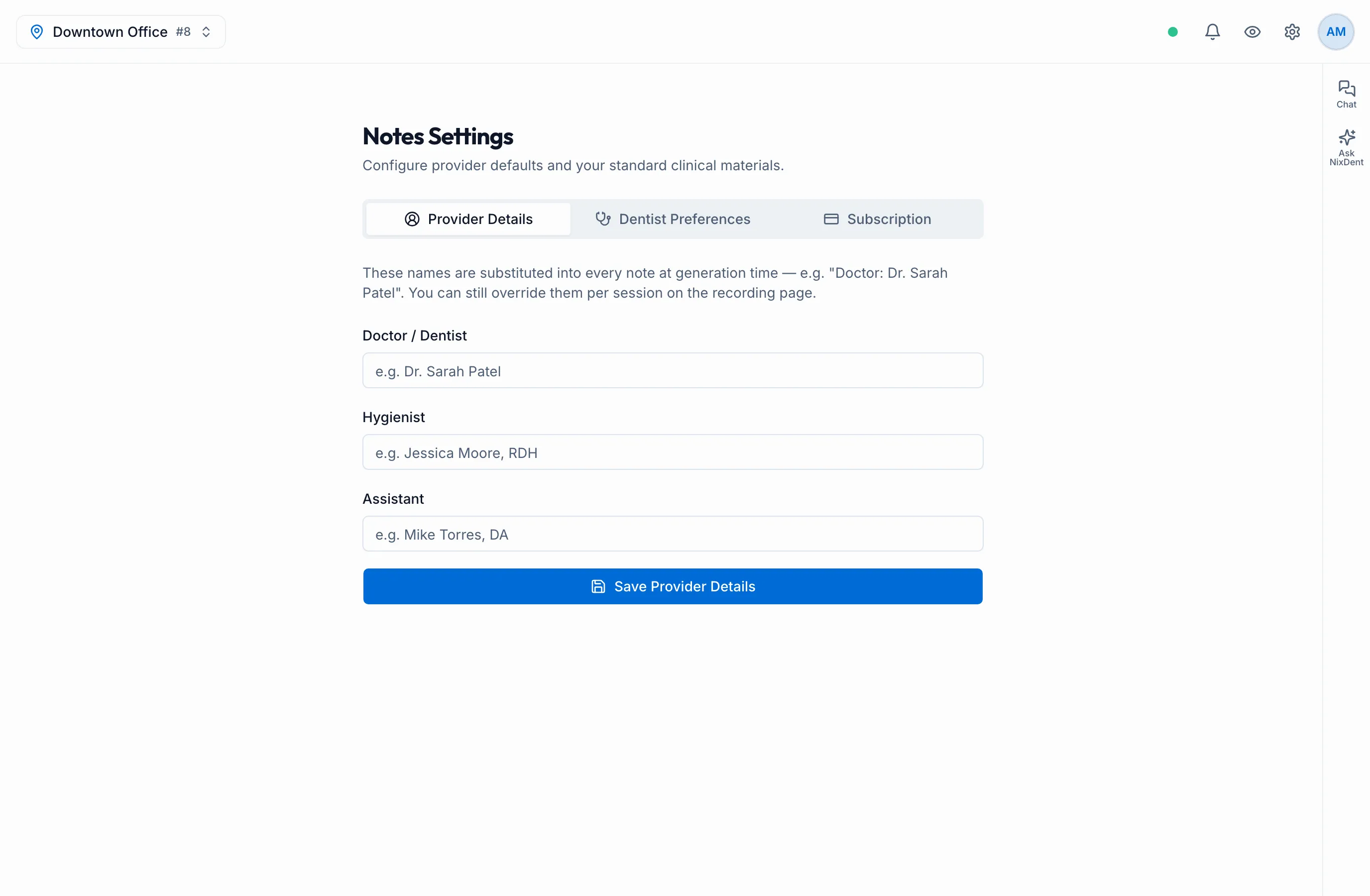
Go to Notes → Settings. The page is called Notes Settings. These settings are your own: each person sets theirs.
Provider names
Section titled “Provider names”On the Provider Details tab, fill in Doctor / Dentist, Hygienist and Assistant, then click Save Provider Details.
These names go into every new note NixDent drafts, for example “Doctor: Dr. Sarah Patel”.
Your materials and protocols
Section titled “Your materials and protocols”On the Dentist Preferences tab, list the materials and protocols you use, grouped by procedure. The page shows a Format example to follow, like this:
COMPOSITE:Bonding: (your bonding agent), 2 coats
ANESTHETIC (all procedures):Primary: (your usual anesthetic)
Click Save Preferences. NixDent uses the matching section when it drafts a note, even if the product isn’t mentioned out loud. As always, check the drafted note before you finalize it.